This week we were told to migrate the created crate into Zbrush and then sculpt some details into the same. Then we were told to take it into substance painter and bake maps for the same. My workflow was as follows:


This week we were told to migrate the created crate into Zbrush and then sculpt some details into the same. Then we were told to take it into substance painter and bake maps for the same. My workflow was as follows:
The Lego pieces that we created last time, we were supposed to combine them together and create the final piece with it.


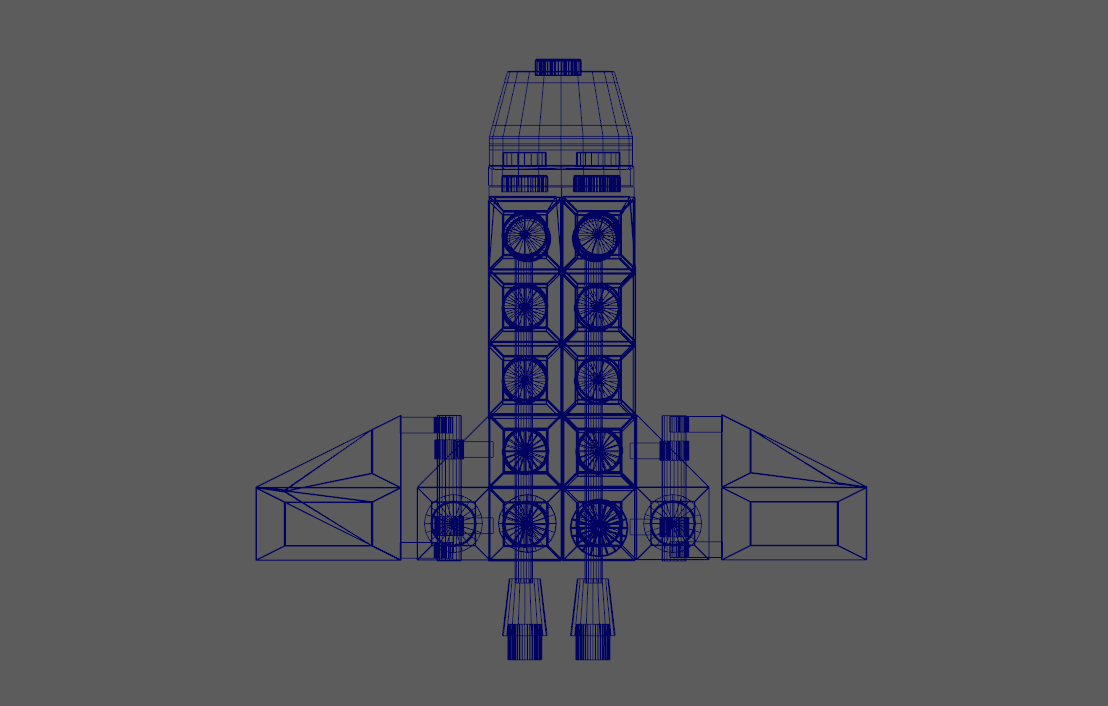
Then after creating the required piece we had to create a new Lego set using the pieces that we had. I created the following ship:


Then we were asked to create a video sequence from UE4 using blueprints and I created the following video:
This week were told to choose one of the following Lego pieces and model all the basic shapes of the chosen design. The given choices were:


